Rogers Communications Form Builder:
Text With 911
The Project
Rogers Communications needed a form builder — a tool that would let their team create and deploy forms across different applications without going through a full development cycle each time. The goal was top-tier security with the ease of a Google Form: forms that could handle sensitive medical, financial, and government disability data with complete confidentiality, built without the time and back-and-forth of bespoke development.
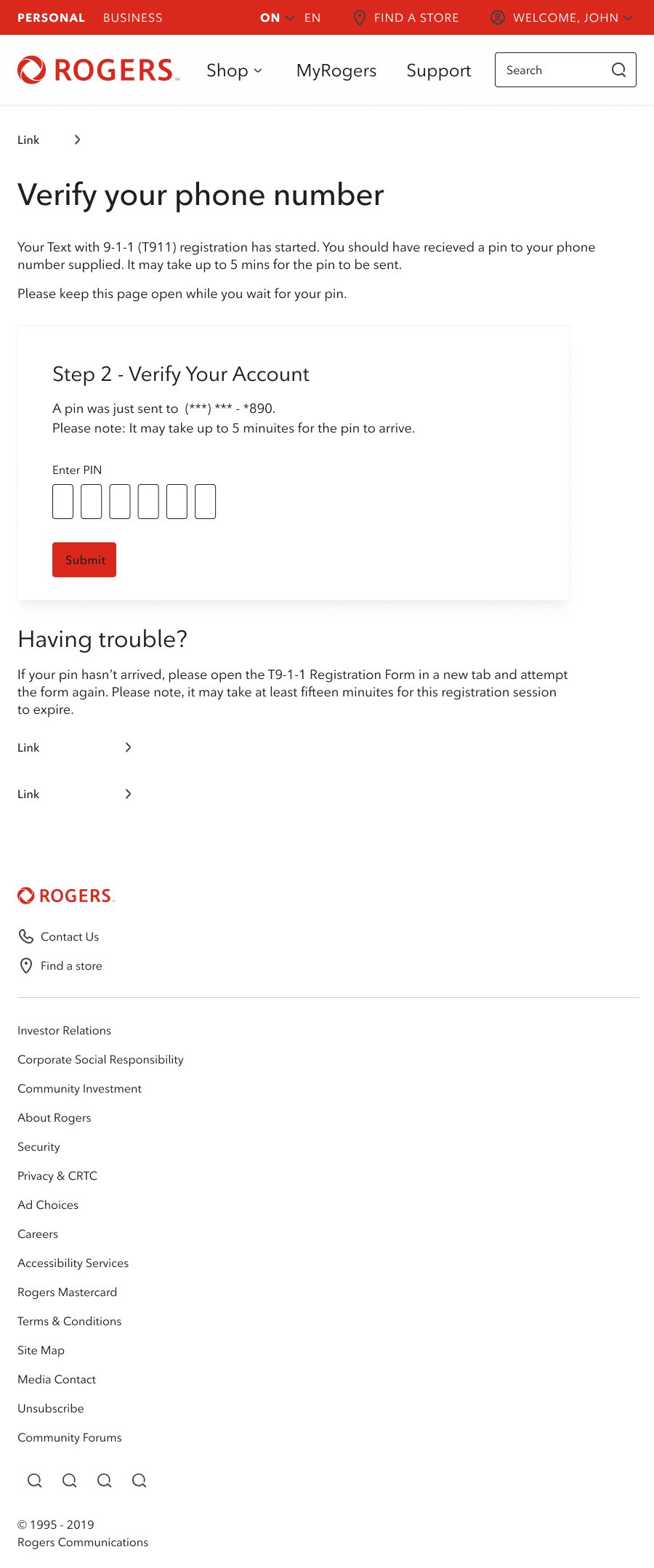
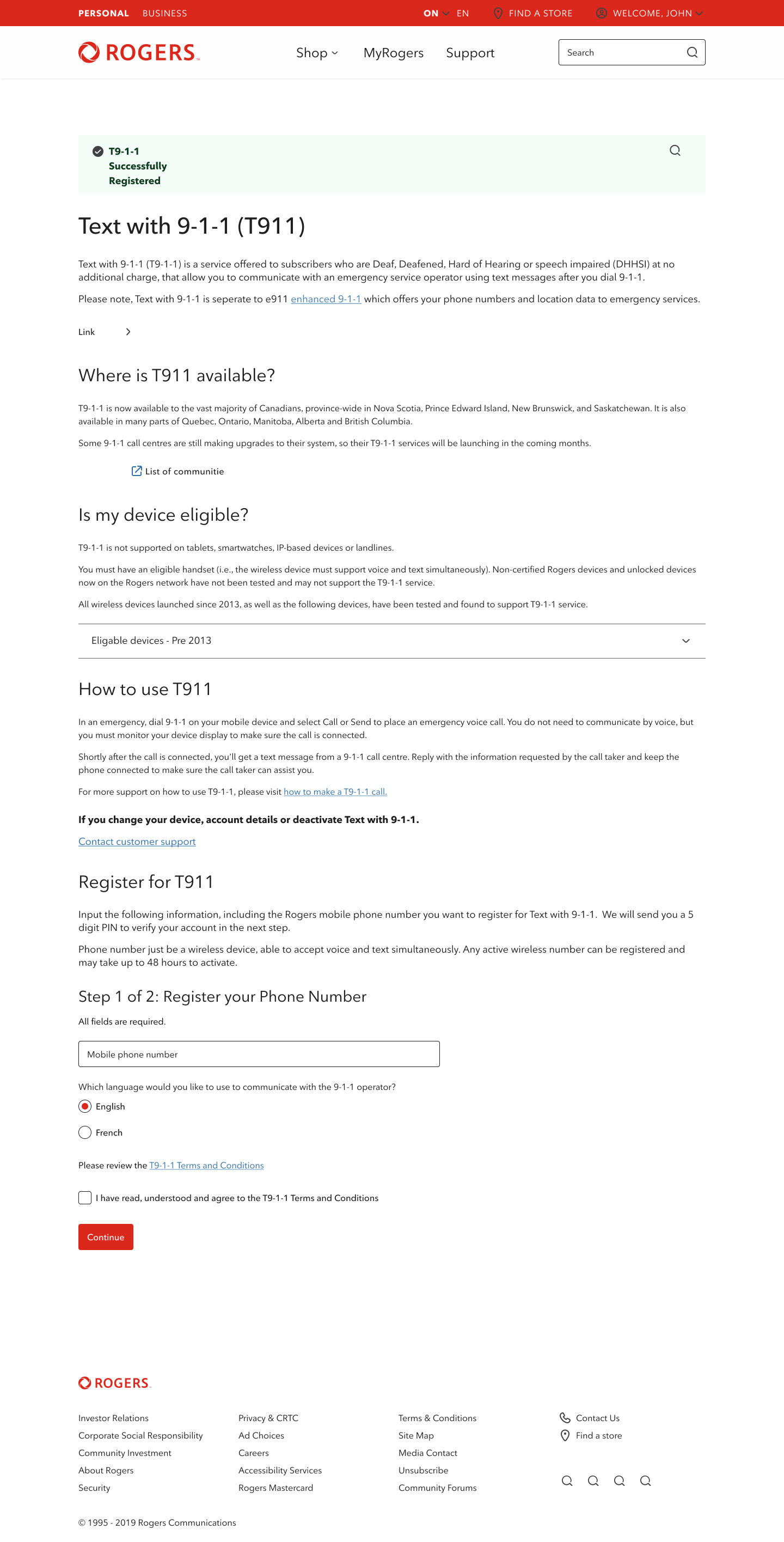
The Text With 911 registration form was the flagship example for the builder — and one of the most consequential forms on the Rogers platform. T911 is Canada's emergency text service for people who are deaf, hard-of-hearing, non-verbal, or otherwise unable to make a voice call in an emergency. The users registering for this service are often disclosing sensitive personal details including medical information and government disability records. The stakes of getting the form wrong — an error that confuses a user, an accessibility gap that excludes someone who needs the service, a security failure — were not abstract.
The form builder was required to meet and exceed WCAG AAA accessibility standards across every component it could produce.
Accessibility Work
The accessibility work centred on a core principle: building multi-step and multi-page experiences rather than long single-page forms. For all users, a long complex form with many fields is cognitively demanding. For users relying on screen readers, a poorly structured long-form experience can be genuinely unusable — losing position, re-reading content, navigating unclear focus states.
Working with Cem, we focused on ensuring that focus management across multi-step forms was precise: where focus landed after each interaction, how validation errors were communicated to screen readers, and how page transitions were handled so that assistive technology users always had a clear, predictable path through the form.
A key ambition was embedding these accessibility best practices into the form builder itself — so that when Rogers employees built new forms, multi-step structure and accessible component behaviour were the default, not an afterthought. The accessibility wasn't just in this form; it was designed to propagate through everything built with the tool.
My Role
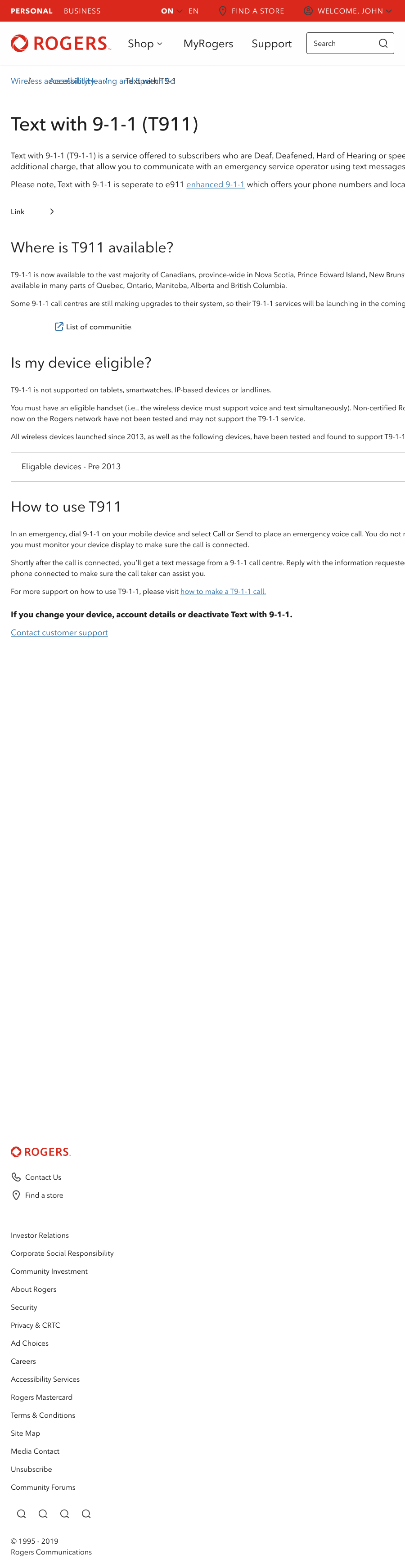
I was brought in to support the research team with two specific contributions: accessible design practice in partnership with accessibility specialist Cem Kesemen, and — most significantly — building a high-fidelity ProtoPie prototype of the form for user testing.
The prototype needed to be functional enough that user testing would surface real problems rather than prototype limitations. That meant live text input, document upload functionality, conditional logic, loading and tracking animations, and multi-step form navigation — all built in ProtoPie.
The Prototyping Challenge
Working in ProtoPie at this level of fidelity is meaningfully different from standard design prototyping. Where Figma prototyping connects screens, ProtoPie operates more like a lightweight development environment — closer to Unity than to page linking. It required learning a new tool from scratch, implementing if/then conditional logic so that selecting a particular dropdown option revealed a new set of questions, and building interaction states and animations that made the prototype behave like a live website rather than a simulation of one.
The goal was to make the user testing as close to real as possible, so that the research team could identify where users made errors, where they hesitated, and where the experience broke down — before any of that happened in production.
What This Work Represents
The T911 project sits at the intersection of the two things I care most about in design: craft at a technical level and design that has real stakes for real people. Building a prototype complex enough to run meaningful usability testing for an emergency service for people who cannot make voice calls required genuine technical investment. The accessibility work required the same rigor applied to the systems level, not just the surface. Both of those things matter, and this project required both.